
Creating a Trailumo account
Before you get started, be sure to install the Trailumo extension from the Chrome Webstore or the Microsoft Edge Add-ons directory.
Step by step guide
Section titled “Step by step guide”- Click on the Create account link at the bottom left of the Sign in to Trailumo dialogue box. You’ll find the link just under the Sign in button.
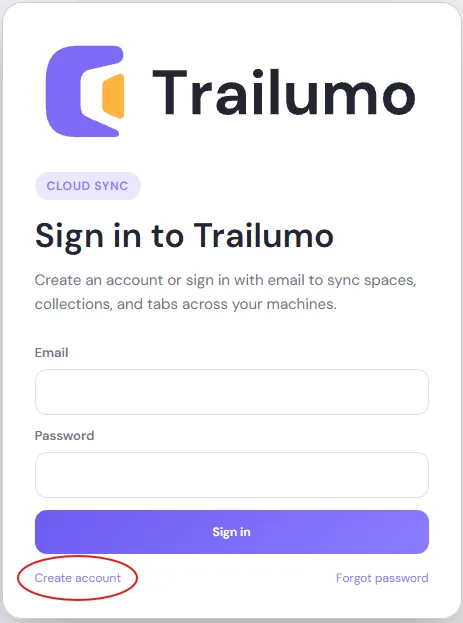
- Enter your email address and a password at the prompt and then click the Sign up button.
Passwords must contain a lower case letter, an upper case letter, a number, at least 12 characters and no leading or trailing spaces.
- An email will be sent to the email address used to sign up with a verification code. Enter the code in the Verification code box and then click the Confirm account button.
If you don’t receive the verification code, please check your spam folder as emails can sometimes be delivered there. If you haven’t received the code after a few minutes, click on the Send a new code link to try again.